blogo.biz

Tag: Sony Ericsson

SE W580i iSync and Address Book plugin

by blogo on Jul.29, 2007, under Information, Tutorials

Update 20. Oct 2008: A more up to date plugin is located at http://www.mroach.com/

After recieving a Sony Ericsson W580i, I made a quick plugin to get it up and running with iSync and Address Book. The plug-in is in no way perfect but should get the job done. I haven’t tested calendar syncing yet.

Download the following file W580i_iSync_Plugins_v1.zip, put PhonePlugins in the /User/Library folder. From here on add the phone in bluetooth devices and open iSync.

To get the address book working, open /Applications/Address Book.app/Contents/Resources/ Telephony.bundle/Contents/Resources/ABDeviceCommandSets.plist

Locate the following text:


ABDeviceModelStrings

P800

ABDial
ATD%@;

And add the following under it, before

ABAnswerPhone
ATA
ABAnswerWaiting
at+chld=2
ABDeclineWaiting
at+chld=0
ABDeviceModelStrings

W580

ABDial
ATD%@;
ABEnableCallWaiting
at+ccwa=1
ABEnableCallerID
at*eips=1,1
ABEnableCallerName
at*eips=2,1
ABEnableSMSReceive
at+CNMI=2,1
ABHangUpPhone
ATH
ABReleaseAndAnswer
at+chld=1
ABRequestClip
at+clip=1
ABSendSMS
AT+CMGS=%dBWACKRBWACKN

If you have another Sony Ericsson model without Address Book support you can try adding yourphonemodel after the W580 line.
Thanks to:
yesbutno.com
the.taoofmac.com

18 Comments :, , , more...

Sony Ericsson K610i Dissasembly

by blogo on Apr.20, 2007, under Information, Tutorials

Found this guide on the net the other day, hope someone likes it.

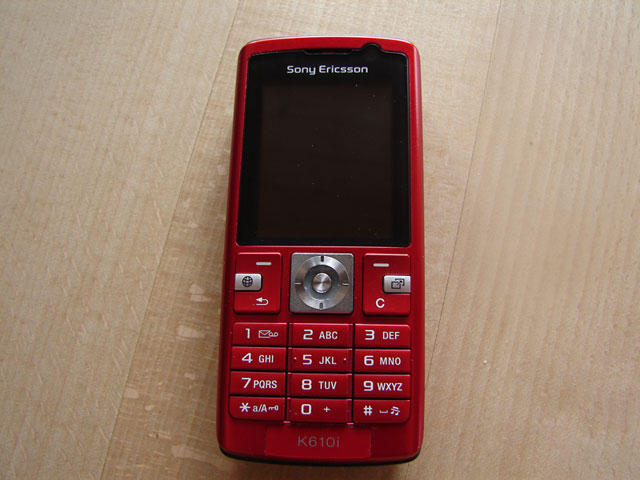
How to take apart a Sony Ericsson k610i cell phone

Tools required: Torx 6 screwdriver

k610i
1: Remove battery, SIM card and memory card.

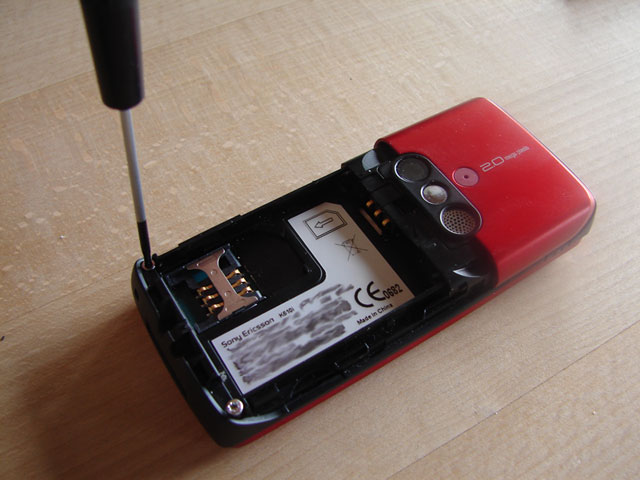
Remove lower torx screws
2. Remove the two bottom torx screws.

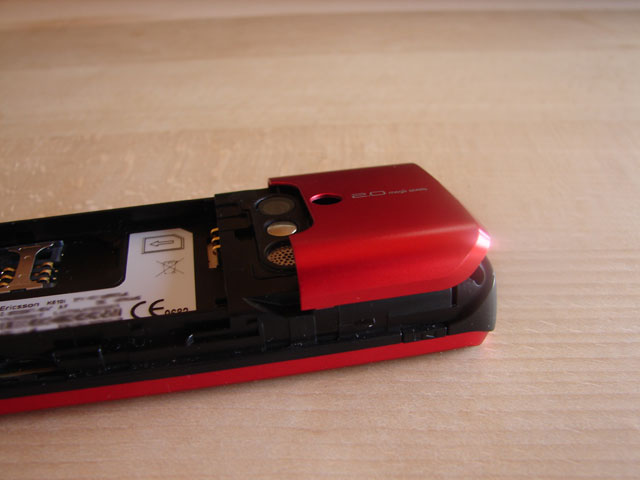
Remove k610i back plate
3. Remove the upper backplate by putting pressure on one of the sides. You can help with a small slotted screwdriver, but be careful not to use to much pressure.

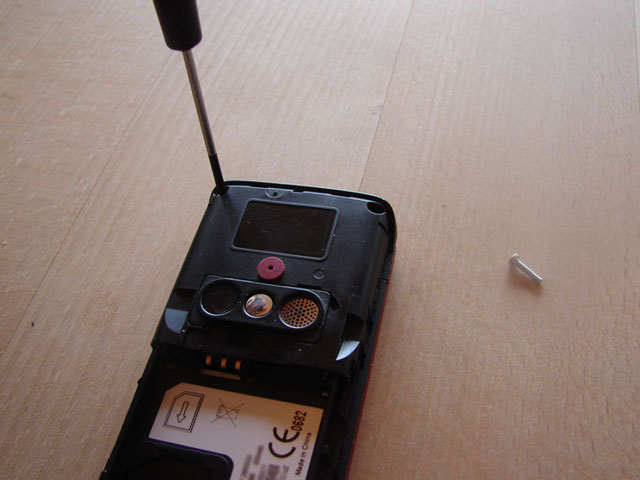
Remove top torc screws
4. Remove the two top torx screws.

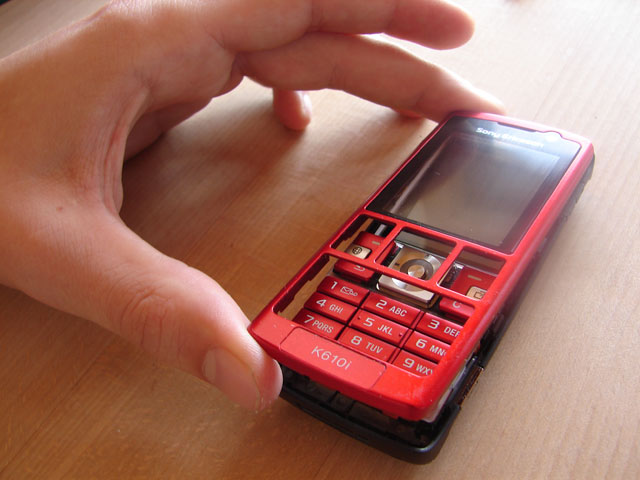
Remove k610i front plate
5. The front should be easy to remove, try opening it from one side and the proceed to the other.

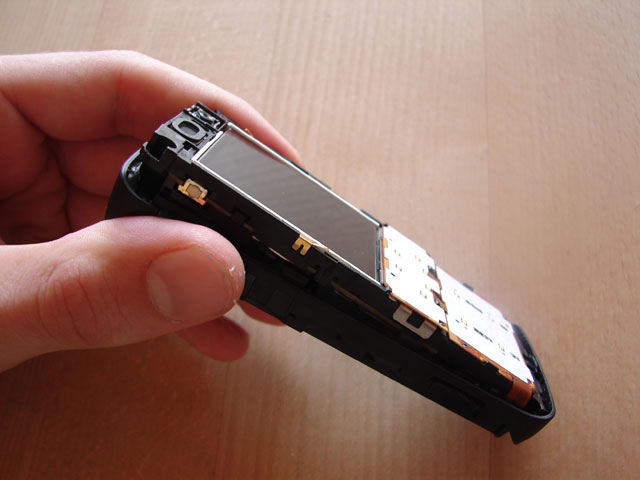
Remove k610i electronics
6. The electronics are all in one component, start from the top, but be careful not to damage anything.

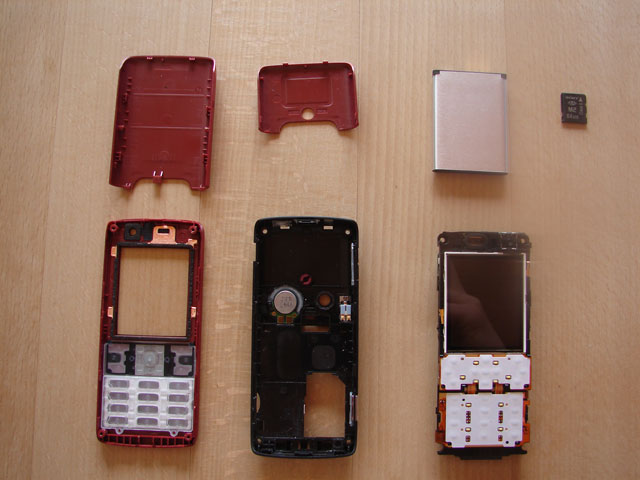
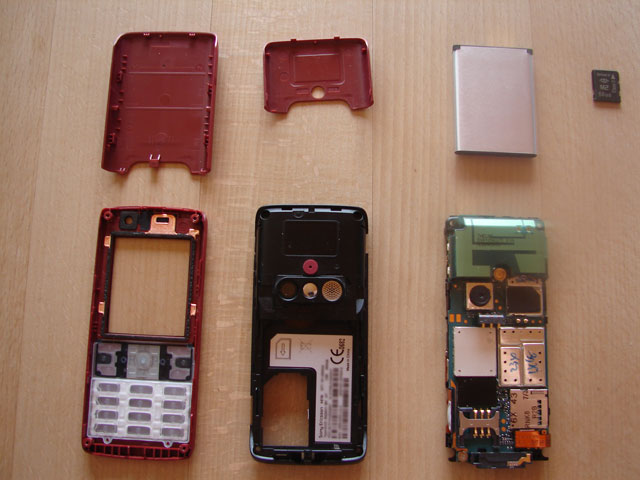
k610i parts
7. The k610i dissasembled.

k610i parts

Video of upper backplate removal:

There are also other dissasembly videos on youtube for those interested.

30 Comments :, , more...

Looking for something?

Use the form below to search the site:

Still not finding what you're looking for? Drop a comment on a post or contact us so we can take care of it!

Visit our friends!

A few highly recommended friends...

Archives

All entries, chronologically...